Triggers
Triggers in Data Orchestrator are the go-to mechanism for generating push events.
You can navigate to this section thanks to the side menu of the Dashboard. A list of all installed triggers is displayed.
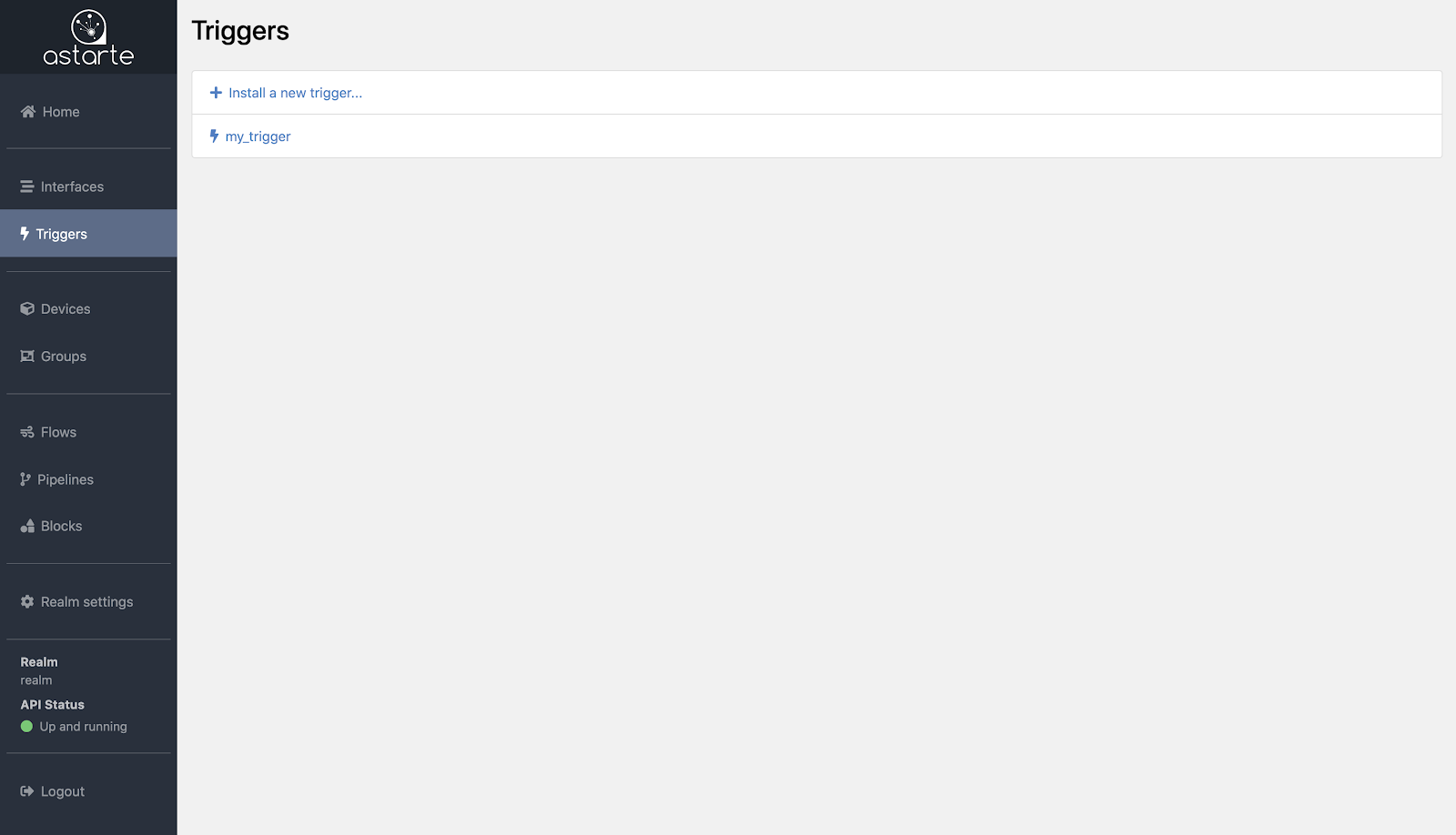
Installing triggers
From the Trigger list, clicking on the Install a new trigger button will load up the Trigger Editor, an interactive tool that you can use to configure your triggers. It works in a very similar fashion to Interface Editor and shares the same User Interface.
The Trigger Editor provides you with two ways to define your triggers: on the left panel, a graphical frontend, while on the right panel you may input a JSON definition to achieve the same result. Each panel updates automatically whenever the other is changed.
The graphical tool dynamically loads installed Interfaces in the Realm and eases trigger creation by providing not only linting and validation, but also dynamic resolution of Interface names.
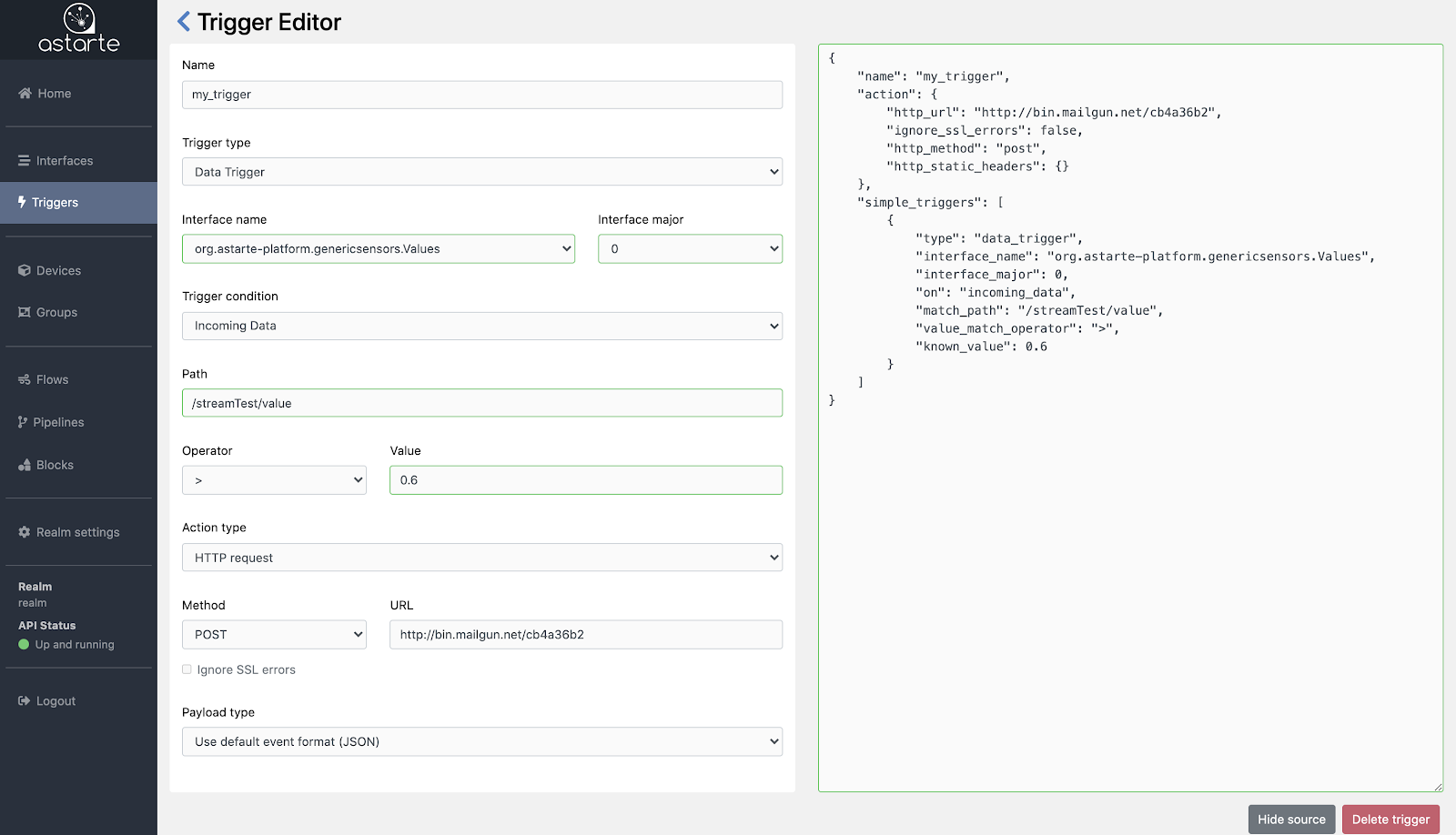
You can learn more about Trigger definitions in their documentation's section.
Note that due to how triggers work, you should install the trigger before a device connects. Doing otherwise will cause the trigger to kick in at a later time, and as such no events will be streamed for a while.
Managing triggers
From the Trigger list, you can select a trigger to load and view its details in the Trigger Editor.
Once the Trigger Editor is loaded you can review the definition of the trigger.
You can also delete the trigger instance by clicking on the Delete trigger button.