Using Networks
Networks can be associated with containers during the container creation process in application management.
Associating Networks with Containers
When creating a container as part of a release:
- Navigate to the container creation step in the release workflow.
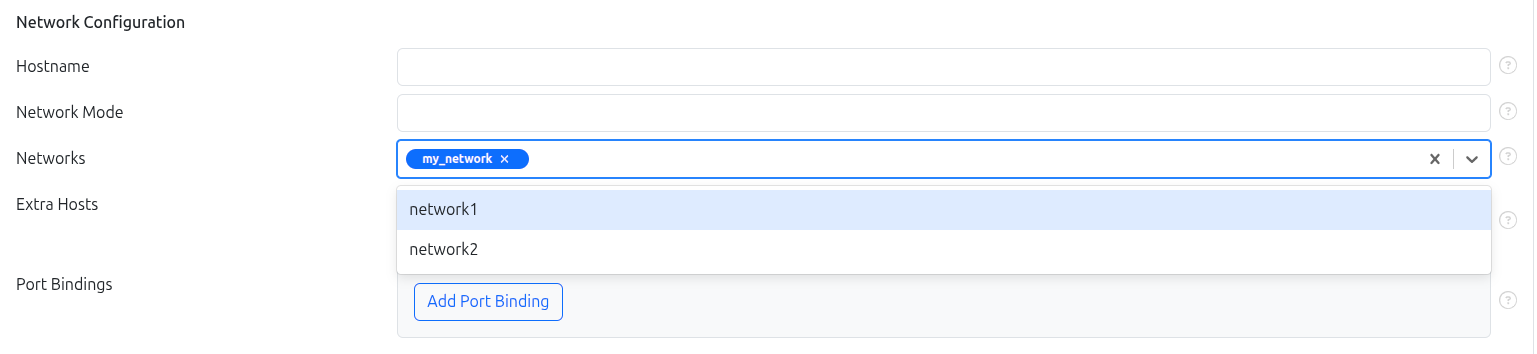
- Go to the Network Configuration section.
- In the Networks multi-select field, choose one or more previously created networks by their Label.
This allows the container to connect to the selected networks and communicate according to the network’s configuration.