Base Image Collection
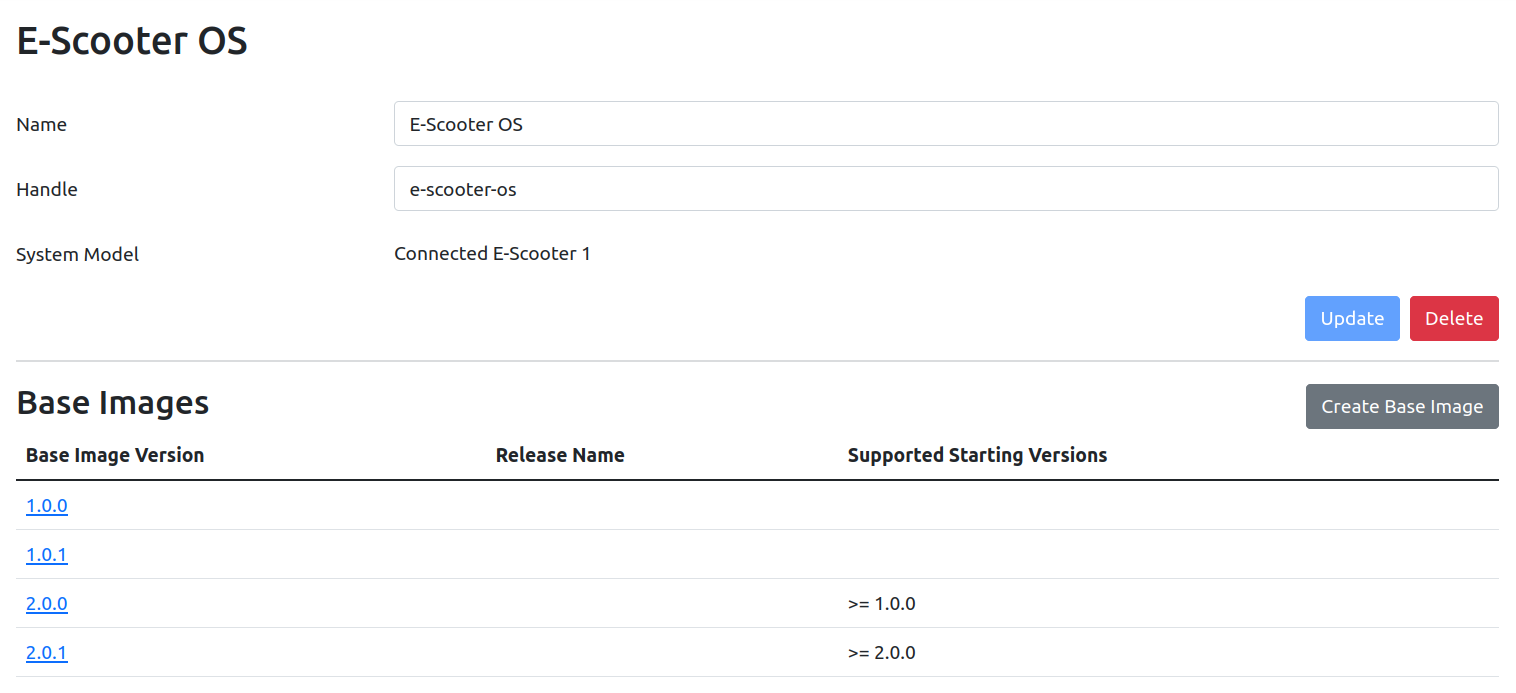
The Base Image Collection page shows the information about a specific Base Image Collection and Base Images associated with it in table below.
Editing any field and then pressing the "Update" button saves the new values for the Base Image Collection. The "Create Base Image" button allows adding additional Base Images to the Base Image Collection. Clicking on the Base Image Version brings to the Base Image page. The "Delete" button allows to delete the Base Image Collection.