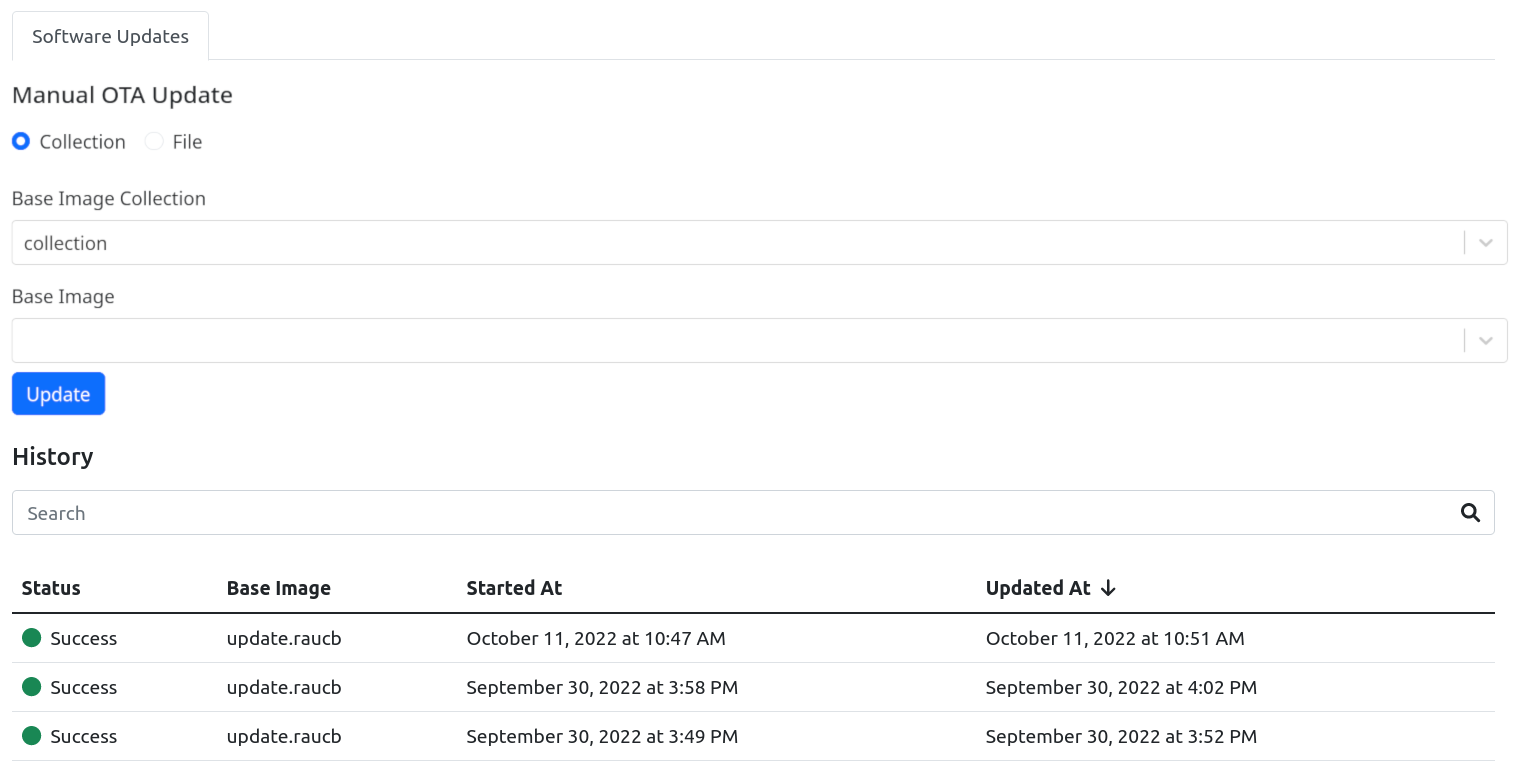
Manual OTA Updates
As an escape hatch, it's always possible to manually update a Device from its page on the Device Manager dashboard (or using the Device Manager GraphQL API).
Note that Manual OTA Updates do not perform any check on the System Model, so they can effectively be used to change the System Model of a Device. This also means that the user must exercise particular attention to avoid bricking a Device, if the Device does not implement the necessary safety checks.
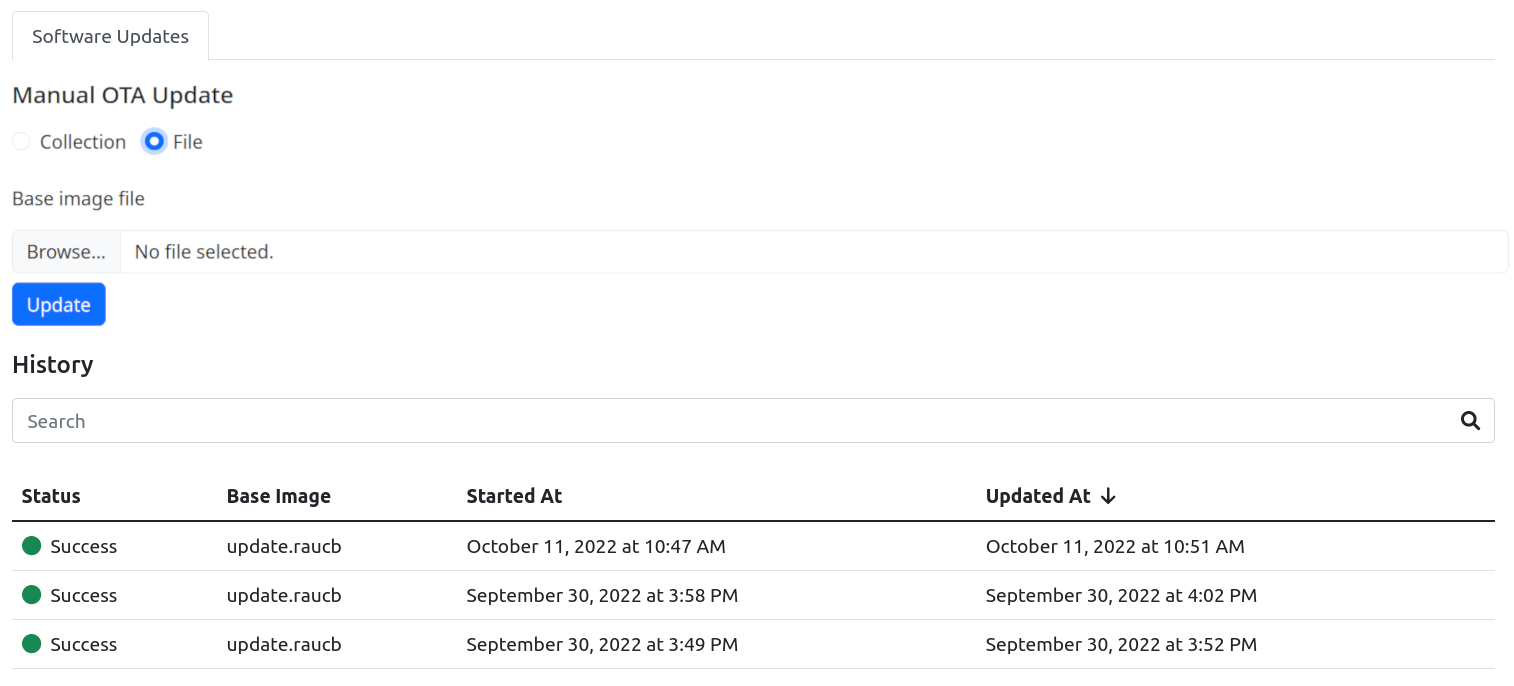
From a File in local storage
The first option is selecting a file containing the Base Image from the user's local storage. After the selection, the Base Image will be uploaded and temporarily stored by Device Manager, until the OTA Operation is completed, regardless of the outcome.
From an existing Base Image
The second option is selecting a Base Image from the ones already belonging to a Base Image Collection; in this case, one can simply pass the URL assigned to the Base Image, which will then be used for the OTA Operation.