Create System Model
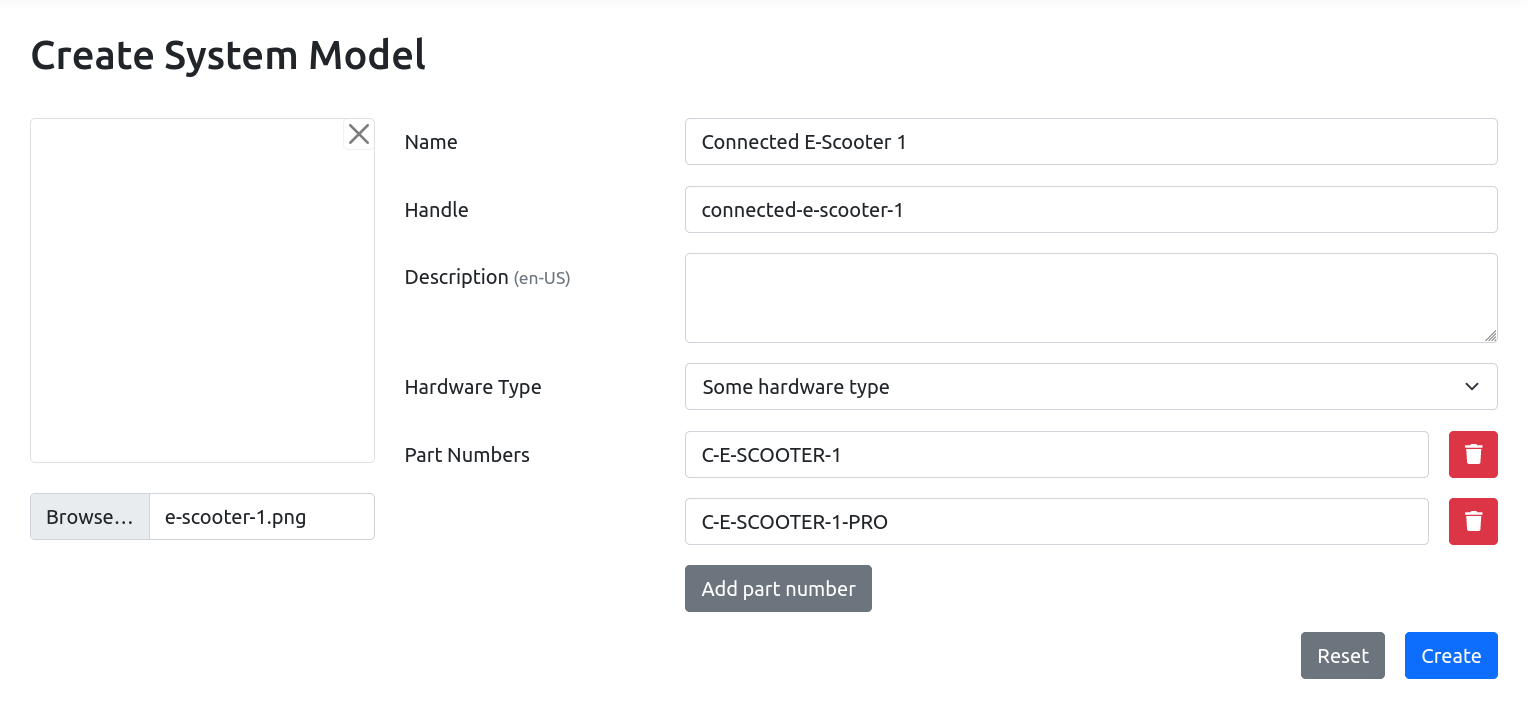
The Create System Model page allows creating a new System Model.
The System Model information can be provided using the form, and pressing the "Update" button saves the System Model. The Hardware Type must be chosen from a list of available Hardware Types using the dropdown menu. The "Add Part Number" button allows adding additional Part Numbers for the System Model.