Device info
On the page of each Device different sets of data are shown. On top of the basic info already visible in the device list, additional sections can be displayed here to report operational data exposed by the device.
The details about how devices publish such data are explained in Interacting with Device Manager.
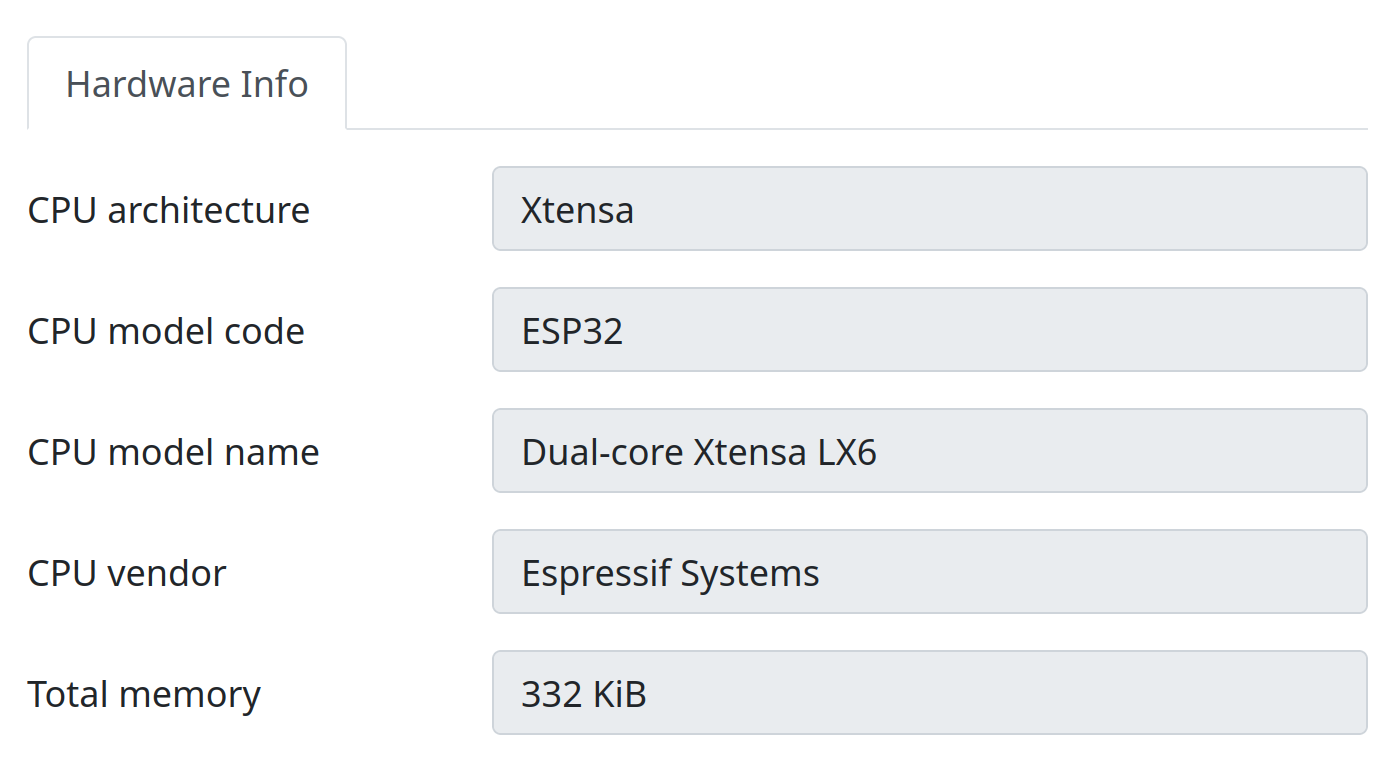
Hardware info
This section reports an overview on the general hardware capabilities of the Device.
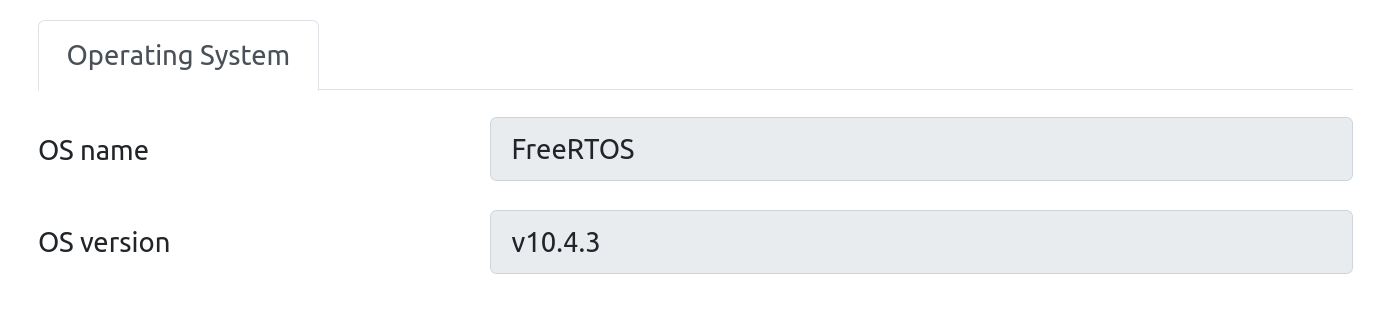
Operating System
This section reports an overview of the operating system of the Device.
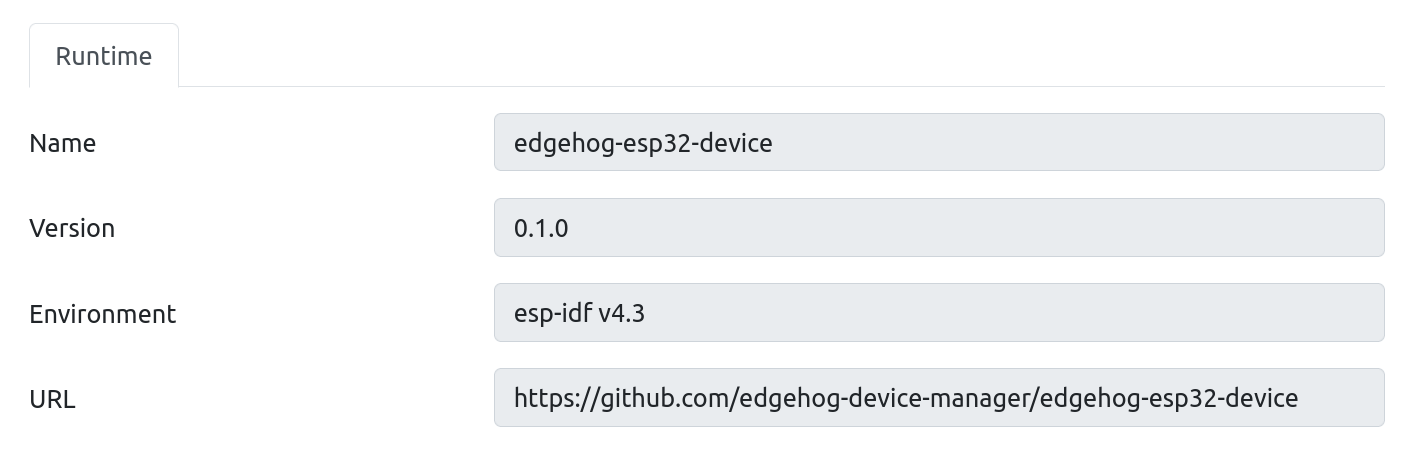
Runtime
This section reports an overview about the Device Manager runtime running on the Device.
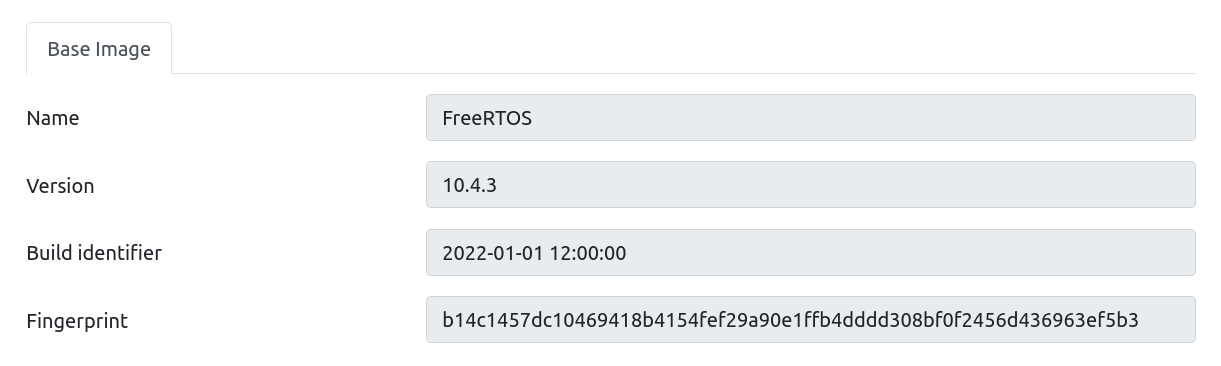
Base Image
This section reports an overview of the Base Image of the Device.
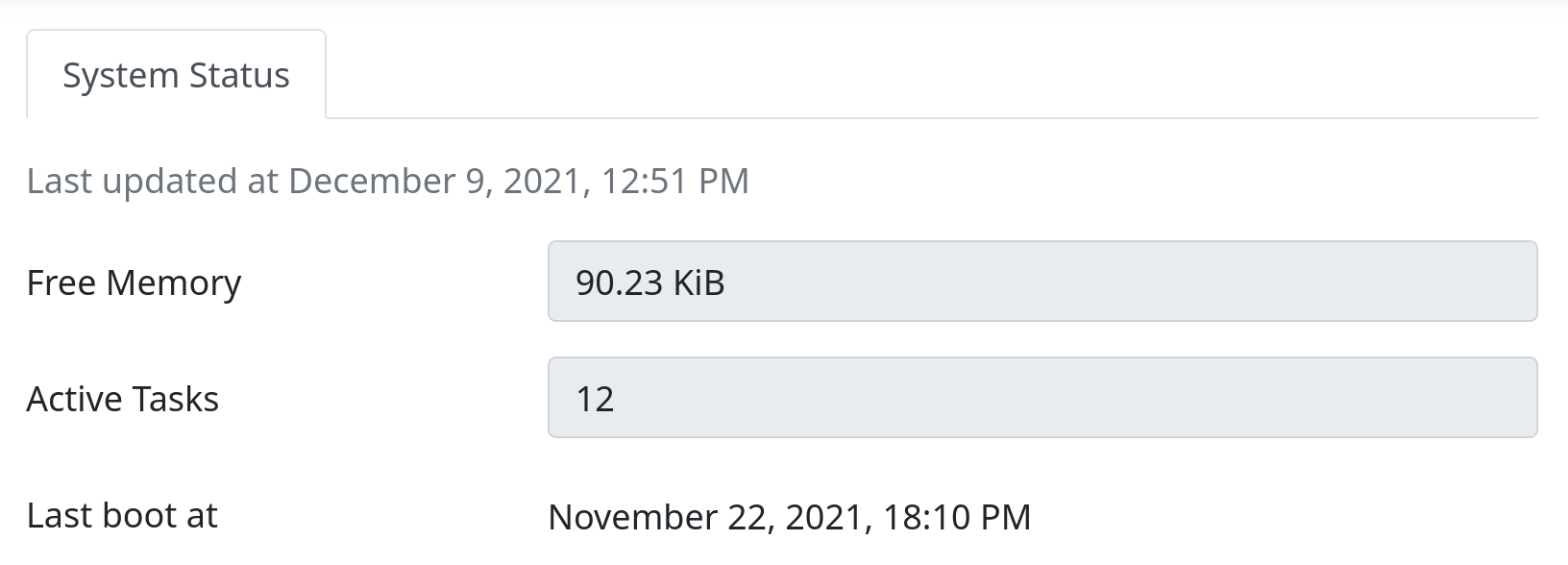
System status
This section reports an overview on the current system status of the Device.
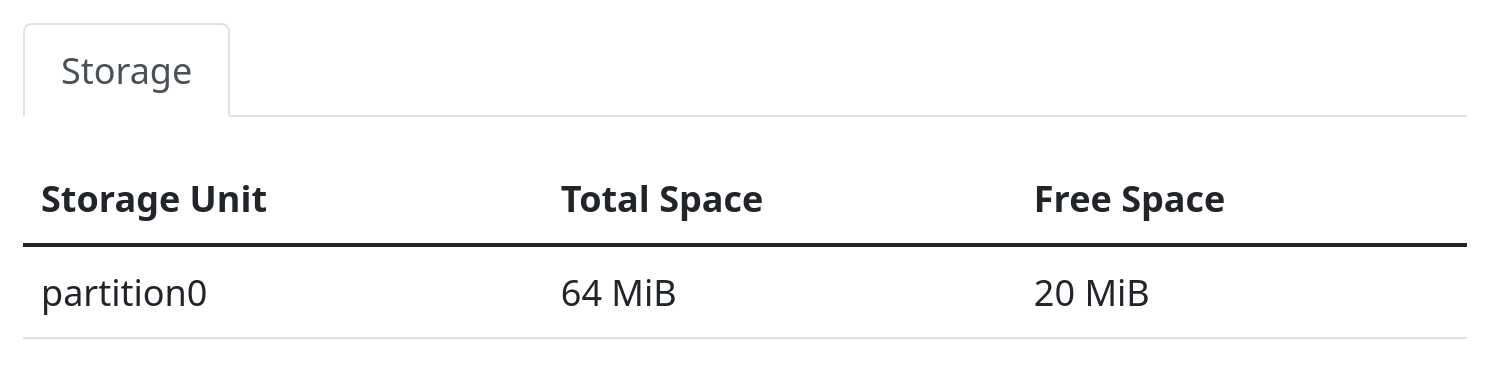
Storage Status
This section reports an overview on the capacity and usage of the storage units of the Device.
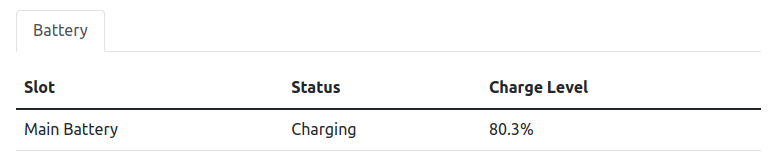
Battery status
This section reports an overview on the current status of the battery slots of the Device.
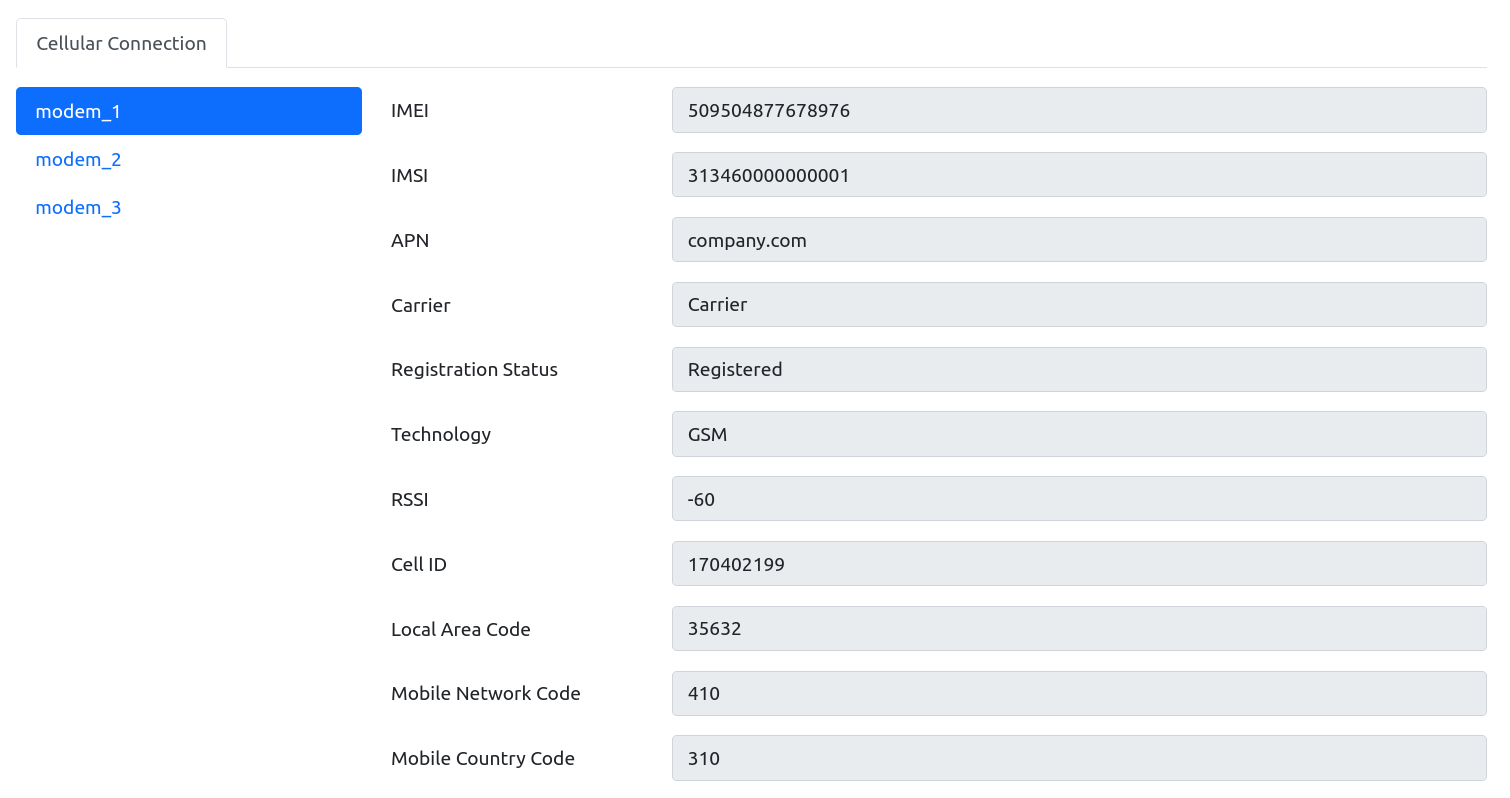
Cellular Connection
This section reports an overview of the cellular connection of the Device.
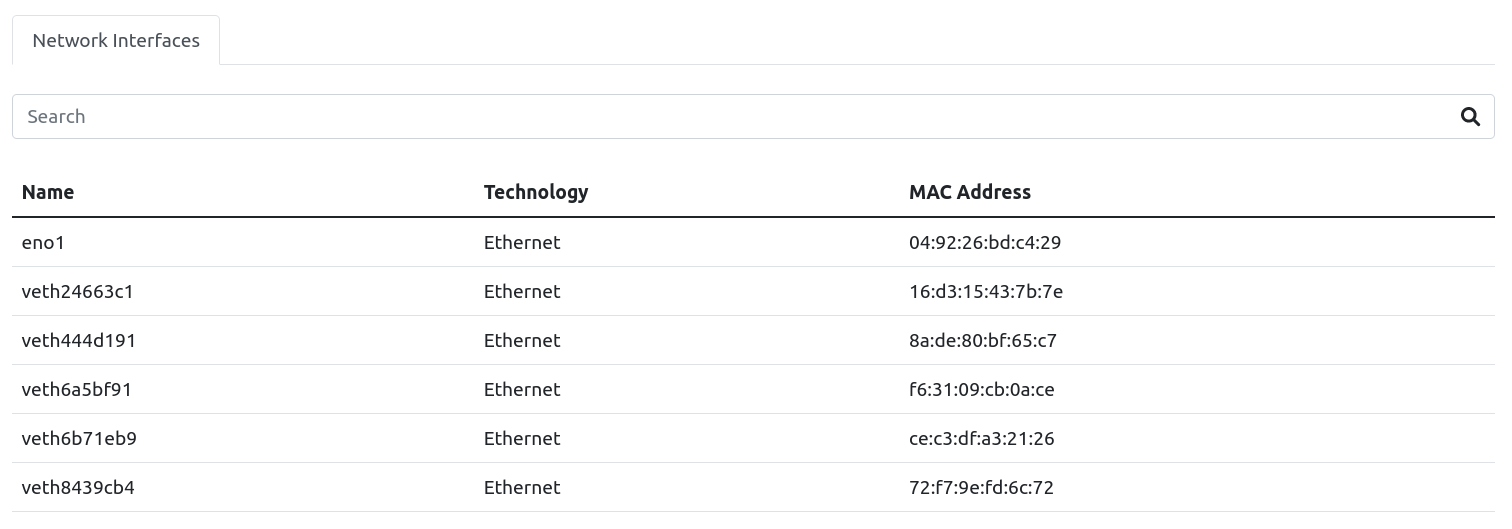
Network Interfaces
This section reports the list of network interfaces of the Device.
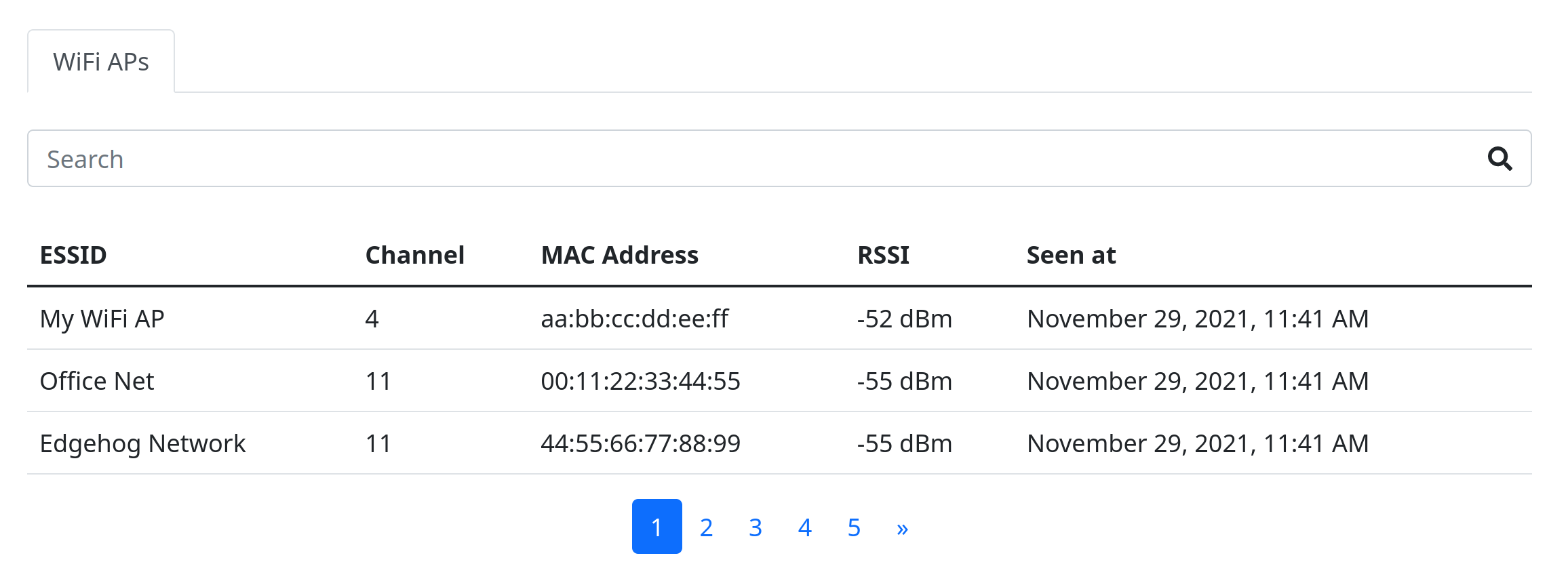
Nearby WiFi APs
This section reports the list of nearby Access Points that the Device found while scanning for WiFi signals.
Geolocation
This section reports the approximate location of the Device, using Device Manager's geolocation modules to estimate a set of GPS coordinates.
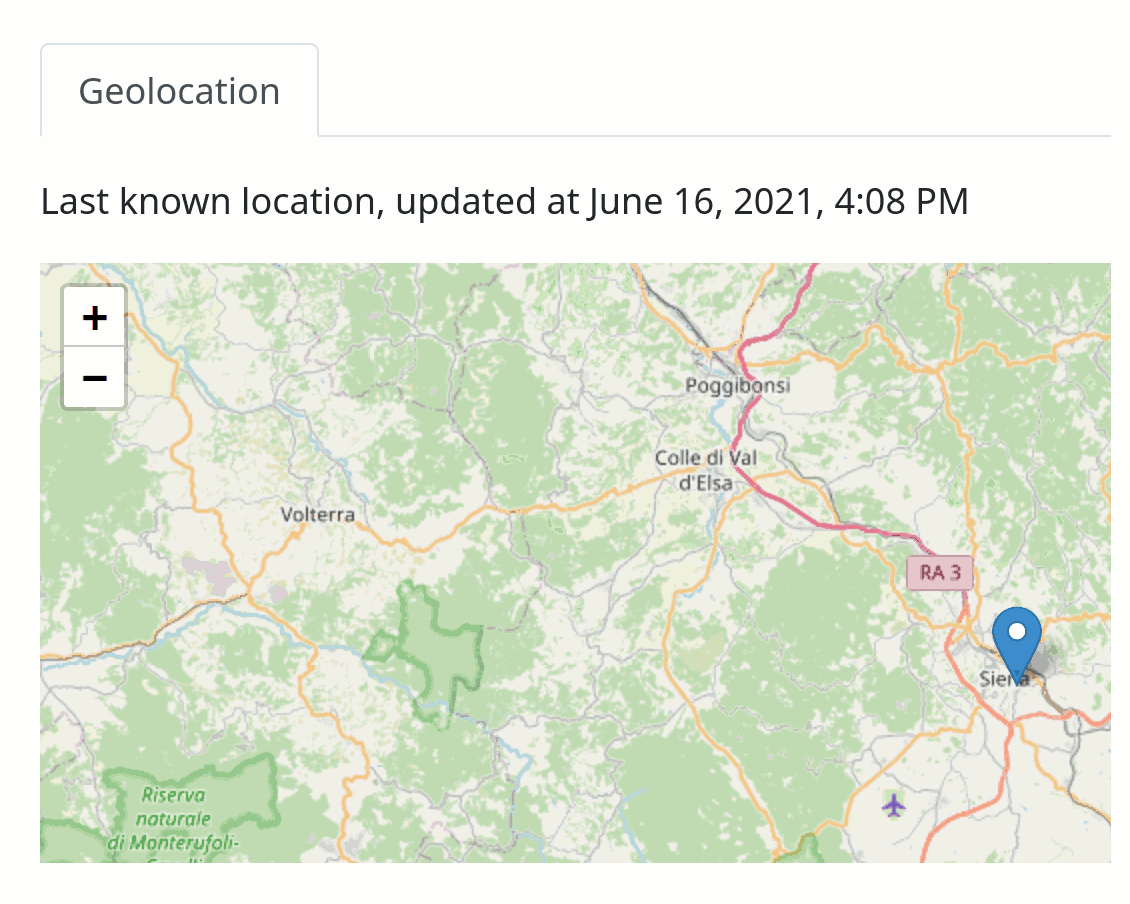
Depending on the data exposed by the Device, the coordinates can be estimated from:
- the GPS position published via the Data Orchestrator interface io.edgehog.devicemanager.Geolocation.
- nearby WiFi APs that the Device detected recently, published via the Data Orchestrator interface io.edgehog.devicemanager.WiFiScanResults
- the IP address used by the Device to connect to Data Orchestrator
Based on the available data, Device Manager's geolocation modules try to find to best estimate by relying on the most up-to-date info and using the ones that provide the most accuracy.
File Management
This section allows you to manage files on a Device. Users can upload, download, and delete files directly from a Device with the use of a Repository or without one.
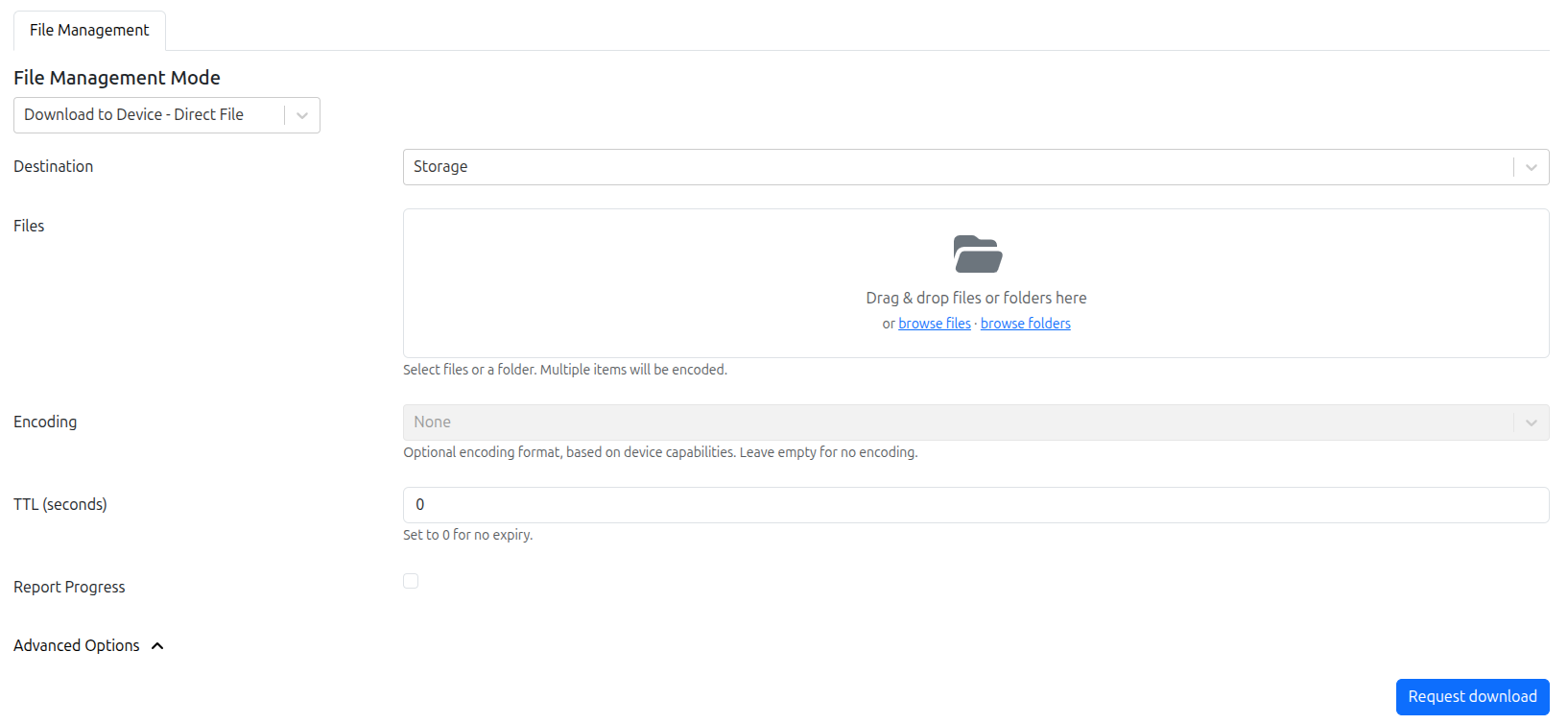
For more information about file management, including repository-based operations, see the File Management documentation. Specific pages are available for:
Applications
This section allows you to manage containerized workloads deployed to that specific Device. Users can manually deploy Application Releases on a Device and handle the lifecycle operation of that Deployment.
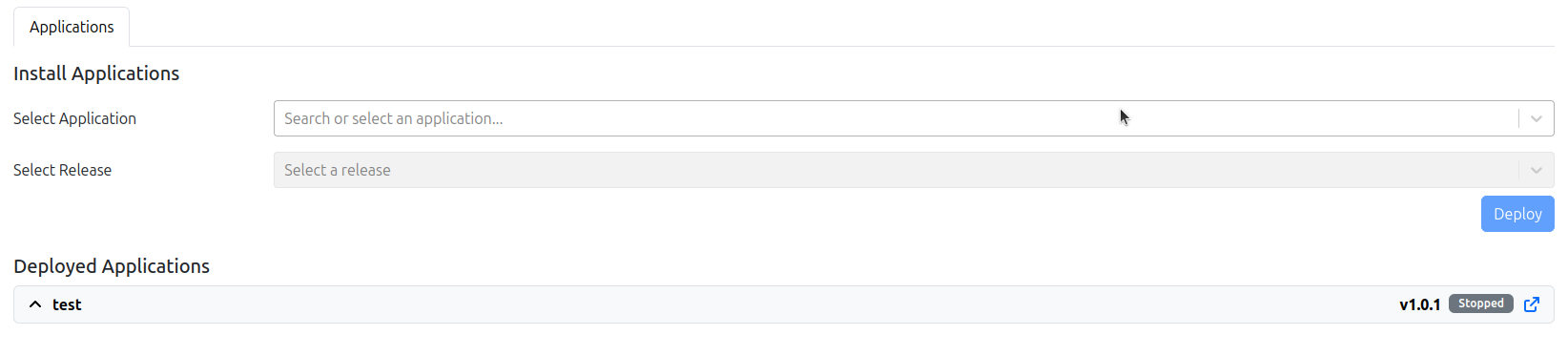
For more information about the core concepts behind applications and deployments, see the Container Core Concepts page.