System Model
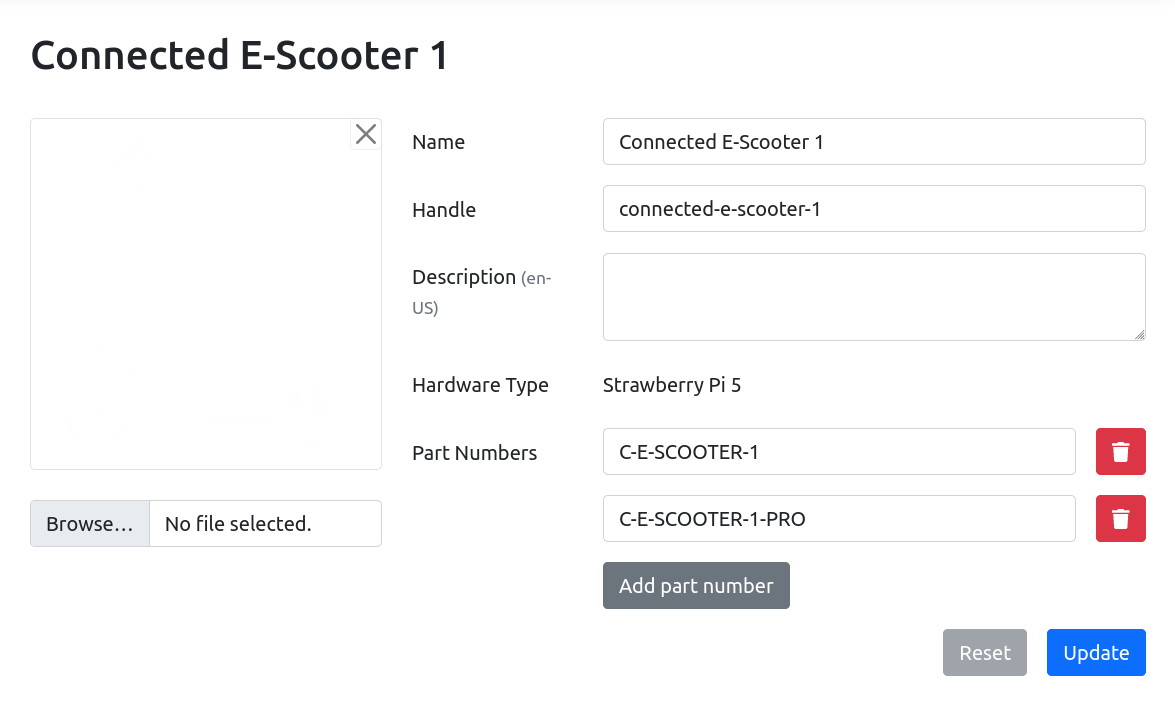
The System Model page shows the information about a specific System Model and allows updating all of them except the Hardware Type.
Editing any field and then pressing the "Update" button saves the new values for the System Model. The "Add Part Number" button allows adding additional Part Numbers to a System Model, and the thrash icon on the right of each of them allows deleting them.