SOM-SMARC-QCS5430 / QCS6490 (E81)
Introduction
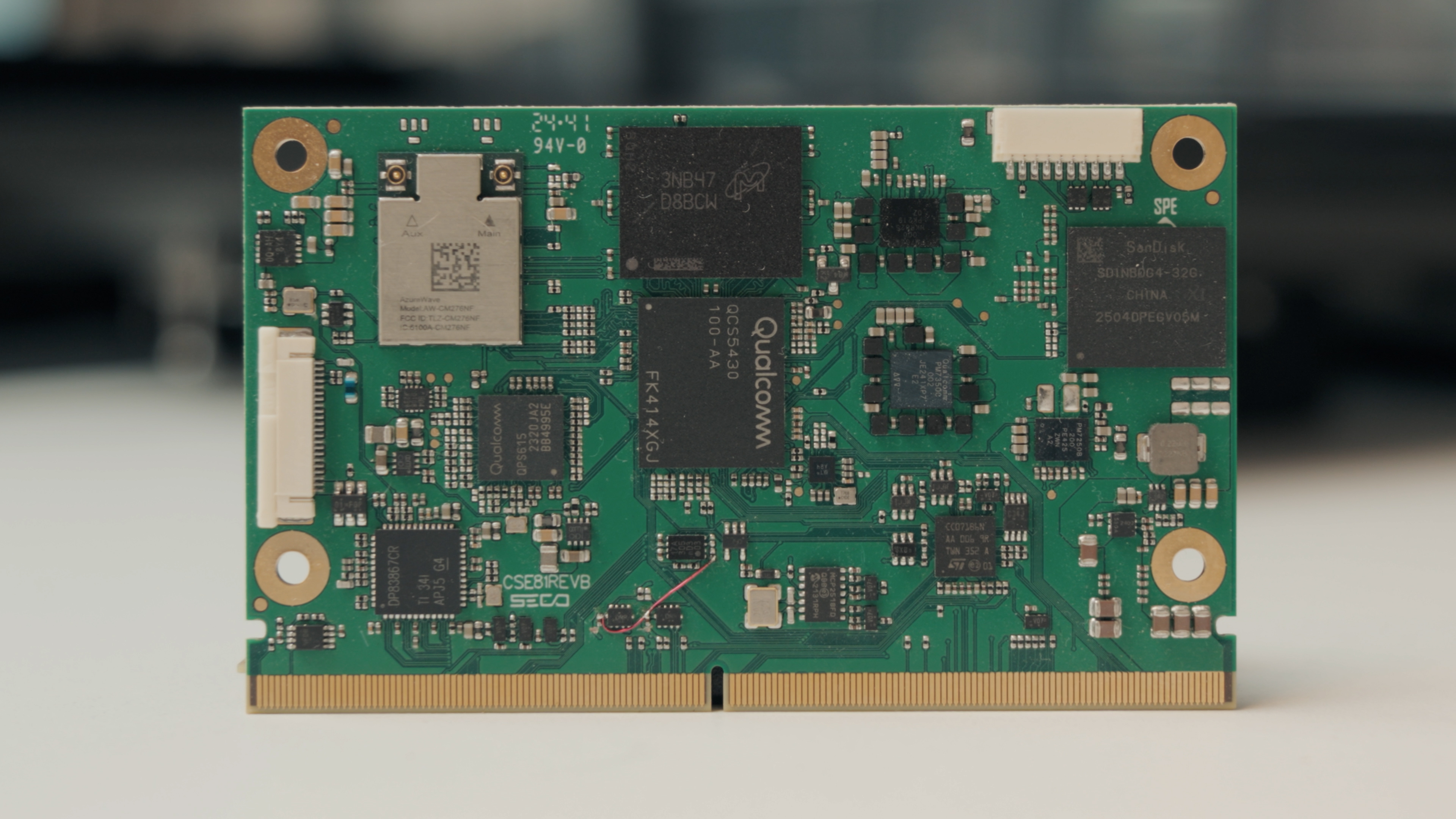
Welcome to the quick start guide for SECO’s SOM-SMARC-QCS5430 / QCS6490, a high-performance SMARC Rel.2.1 module designed for embedded AI, multi-camera vision, edge computing, healthcare, and industrial applications.
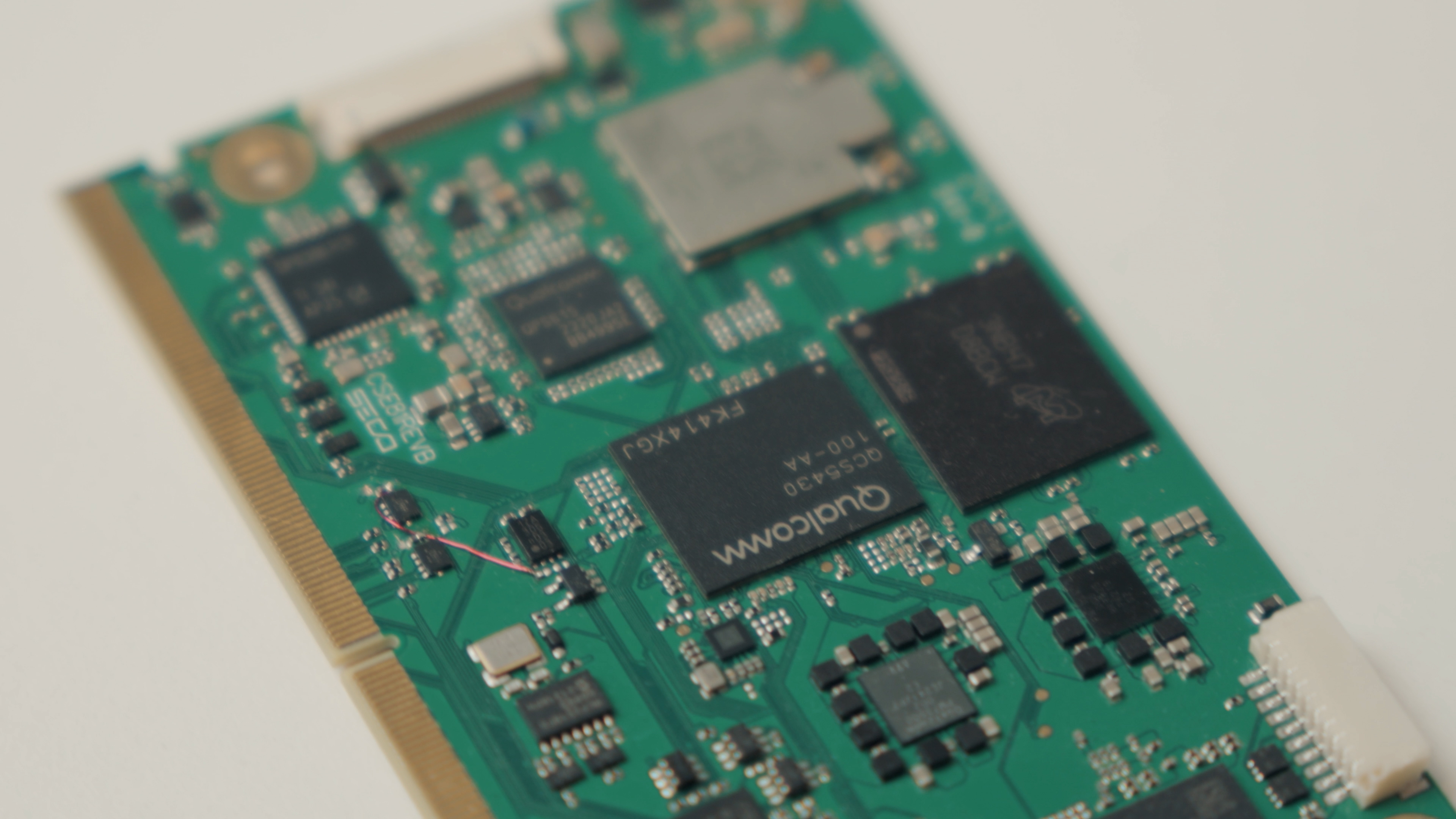
Built on a compact 82 × 50 mm SMARC footprint, the module integrates the Qualcomm Dragonwing QCS5430 / QCS6490 platform offering:
- Up to 8-core Qualcomm Kryo 670 CPU architecture, scaling up to 2.7 GHz, for dynamic performance across compute-intensive workloads.
- Embedded AI acceleration delivering up to 12.15 INT8 TOPS depending on the variant.
- Advanced multimedia engines with Adreno 643L GPU, FHD+ up to 120 fps, plus a secondary 4K Ultra HD display at 60 Hz.
- LPDDR5-6400 memory support up to 12 GB, enabling efficient AI and graphics workloads.
This guide provides the essential steps to integrate, power, and evaluate the module using SECO’s supported development environment.
What's in the Box
Each SOM-SMARC-QCS5430 / QCS6490 package includes:
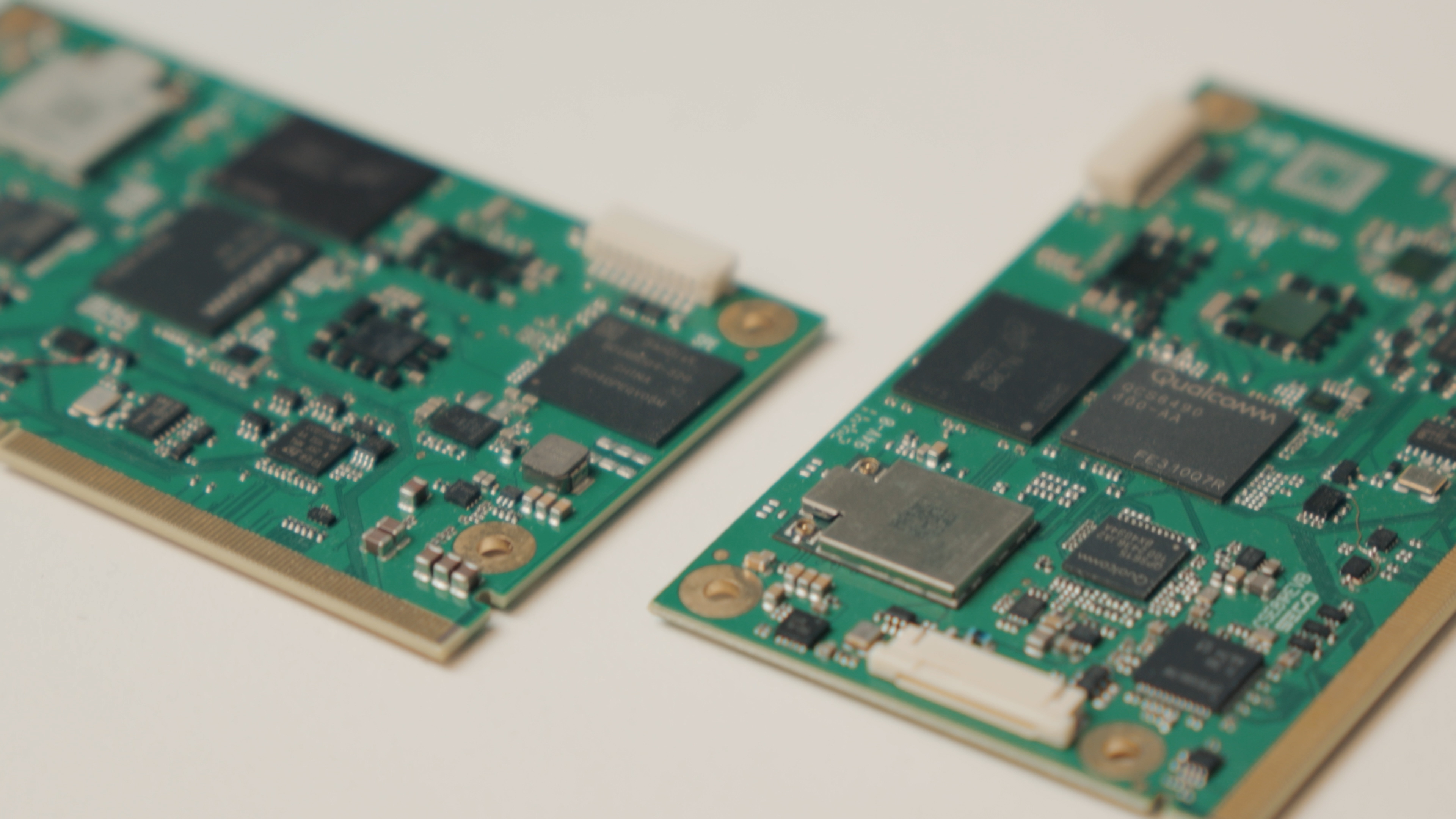
- 1x SOM-SMARC-QCS5430 or SOM-SMARC-QCS6490 module (Quad, Dual, or Quad Lite version)
- Technical documentation
- Thermal solution (if included)
No carrier board is included. Evaluation requires a compatible SMARC carrier such as the CARRIER-SMARC-E71 – CARRIER-SMARC-E71.
Before You Start
Requirements
To integrate and evaluate the SOM-SMARC-QCS5430 / QCS6490, you will need:
- A compatible SMARC 2.1.1 carrier board (e.g. CARRIER-SMARC-E71 Carrier Board in the DEV-KIT-SMARC)
- Power supply included in the Evaluation Kit
- Display (USB-C DisplayPort, LVDS, or eDP depending on carrier configuration)
- USB keyboard/mouse
- Storage media as required by the selected OS (eMMC, SD, or external media)
- Ethernet or optional Wi-Fi/BT connectivity
Safety & Handling
- Disconnect power before inserting or removing the SOM.
- Follow ESD handling procedures.
- Ensure adequate thermal dissipation based on your application profile.
Using a carrier board – CARRIER-SMARC-E71
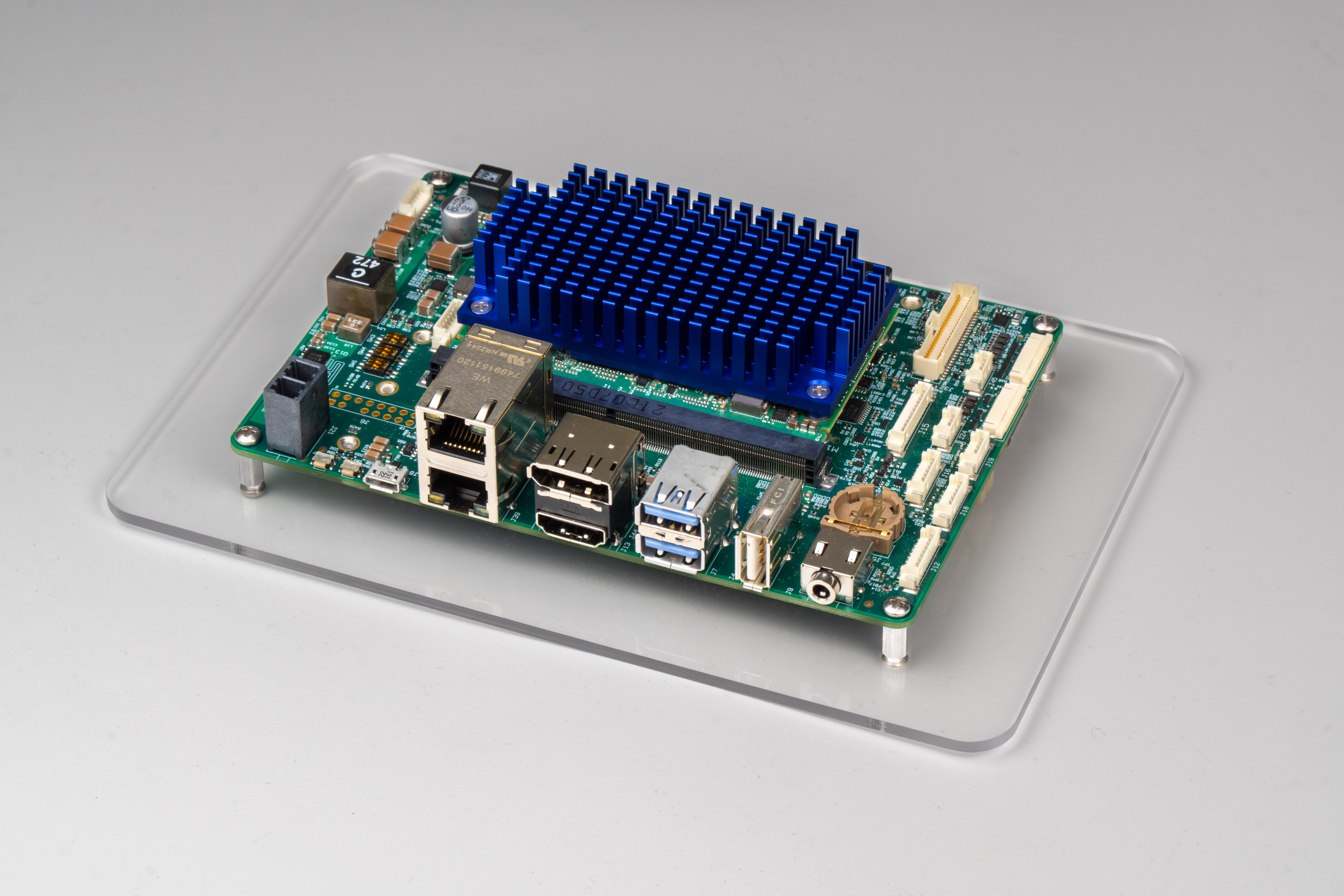
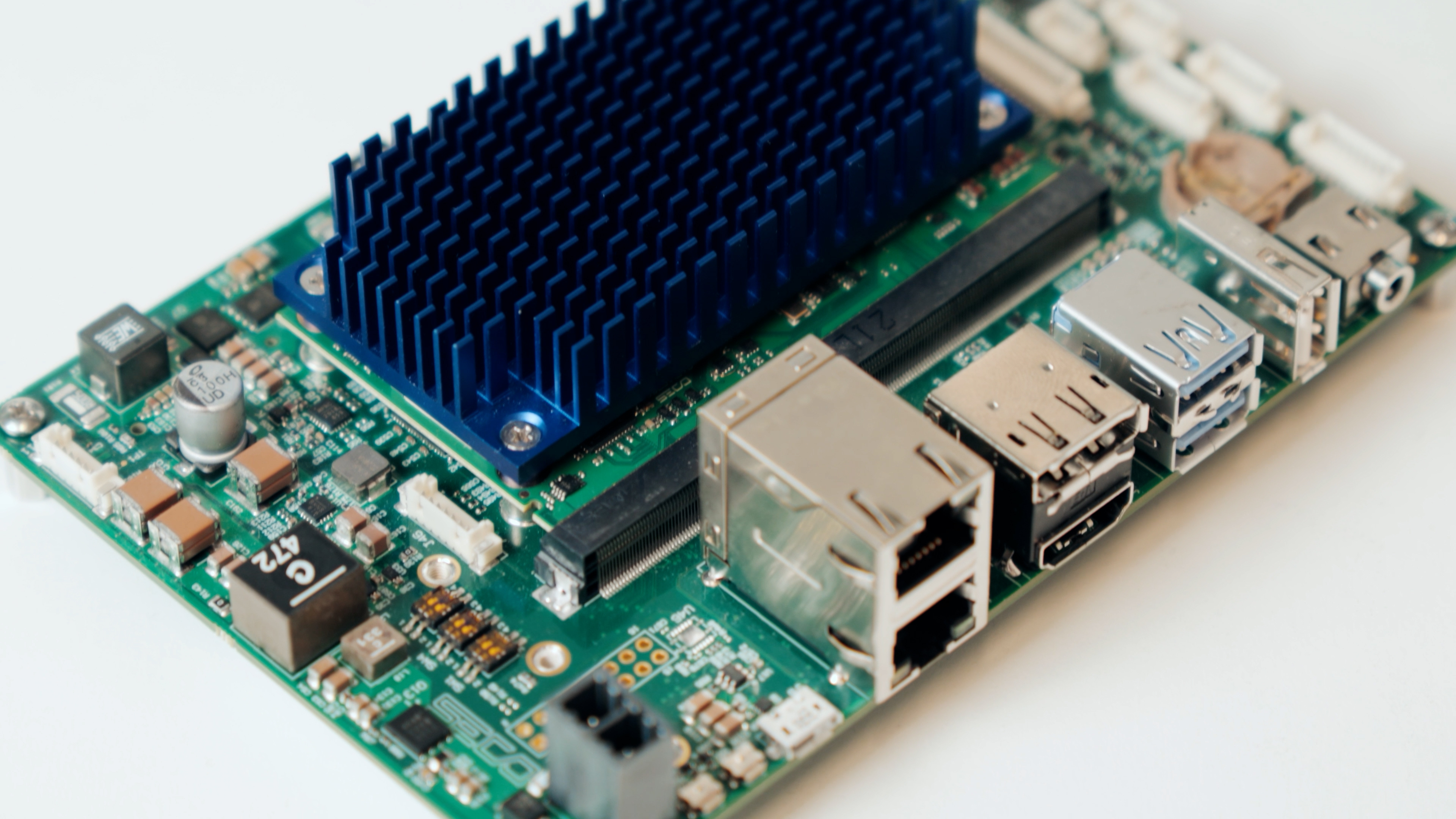
To evaluate the SOM-SMARC-QCS5430 / QCS6490, SECO provides the DEV-KIT-SMARC, which includes the SMARC-E71 Carrier Board in a compact 3.5-inch form factor.
The CARRIER-SMARC-E71 is feature-rich for early development and exposes the full range of SOM interfaces, including:
- M.2 Key B for storage (SSD)
- M.2 Key E and mini PCIe for wireless and cellular connectivity
- Dual stacked RJ45 connectors for two independent Ethernet ports
- HDMI and DisplayPort outputs
- LVDS or eDP internal display options
- CSI-2 camera inputs for vision applications
- USB host and USB OTG ports
- Audio with integrated codec
- GPIO expansion header
- Debug UART for system monitoring and troubleshooting
- Additional design touches to accelerate bring-up, such as boot mode selection switches and onboard control buttons
This setup enables developers to prototype rapidly, test real-world scenarios, and validate performance without the need for custom hardware design from the start.
Modular Vision Integration
If your application requires a ready-to-use HMI solution with an integrated display, SECO offers the Modular Vision QCS6490 line. Each system in this family is powered by the same SOM-SMARC-QCS6490 module and combines computing, display, and connectivity in one compact unit.
Available versions:
The Modular Vision MX8M Plus systems are:
- Pre-assembled and ready to use, reducing setup time
- Fully compatible with Clea OS and SECO Developer Center resources
- Ideal for rapid prototyping and fast time-to-market deployments
These units provide a ready-to-use platform for evaluation or deployment of HMI and edge-computing applications. By using a Modular Vision system, you can accelerate development workflows such as display bring-up, touch interaction and local AI execution, without the need for custom mechanical or carrier-board design.
Hardware Overview
- Processor: Qualcomm QCS5430 or QCS6490 (Kryo 670 cores up to 2.7 GHz)
- Form Factor: SMARC 2.1.1 standard
- Memory: LPDDR5-6400 up to 12 GB
- AI Acceleration: Up to 12.15 INT8 TOPS
- Graphics: Adreno 643L GPU, FHD+ 120 fps, secondary 4K@60 Hz support
- Connectivity: Dual Gigabit Ethernet, optional Wi-Fi and BT 5.0
- I/O Interfaces:
- Up to 4× USB 2.0/3.1
- 3× PCIe Gen3
- multiple MIPI-CSI inputs
- Temperature range:
- Commercial: 0 °C to +60 °C
- Industrial: −30 °C to +85 °C
First Boot & OS Setup
Getting your SOM-SMARC-QCS5430 / QCS6490 module up and running is simple. Follow these steps:
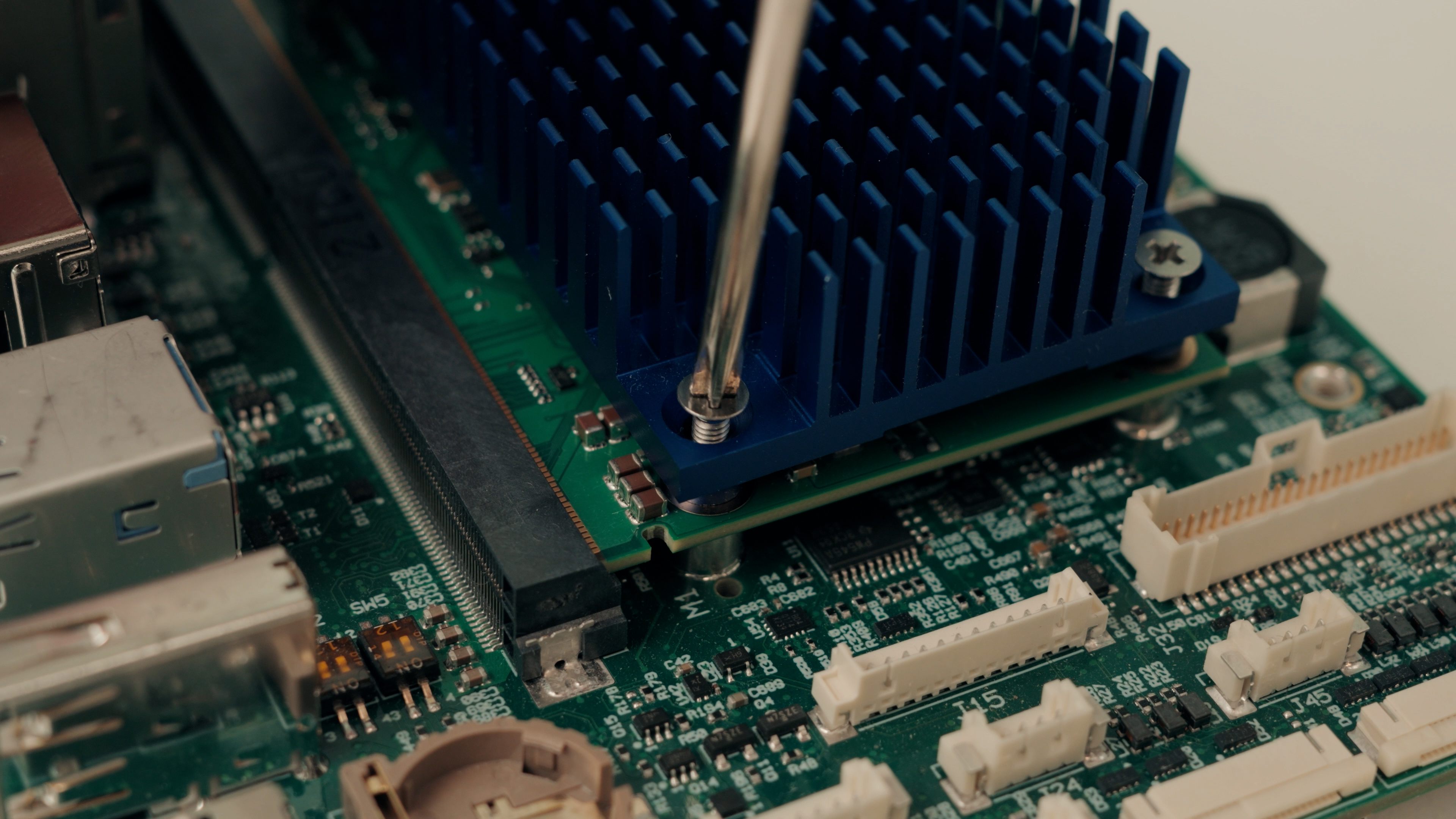
- Insert the SOM
Install the SOM-SMARC-QCS5430 / QCS6490 into the SMARC connector of the CARRIER-SMARC-E71. Verify proper alignment and mechanical seating.
- Connect Power and Peripherals
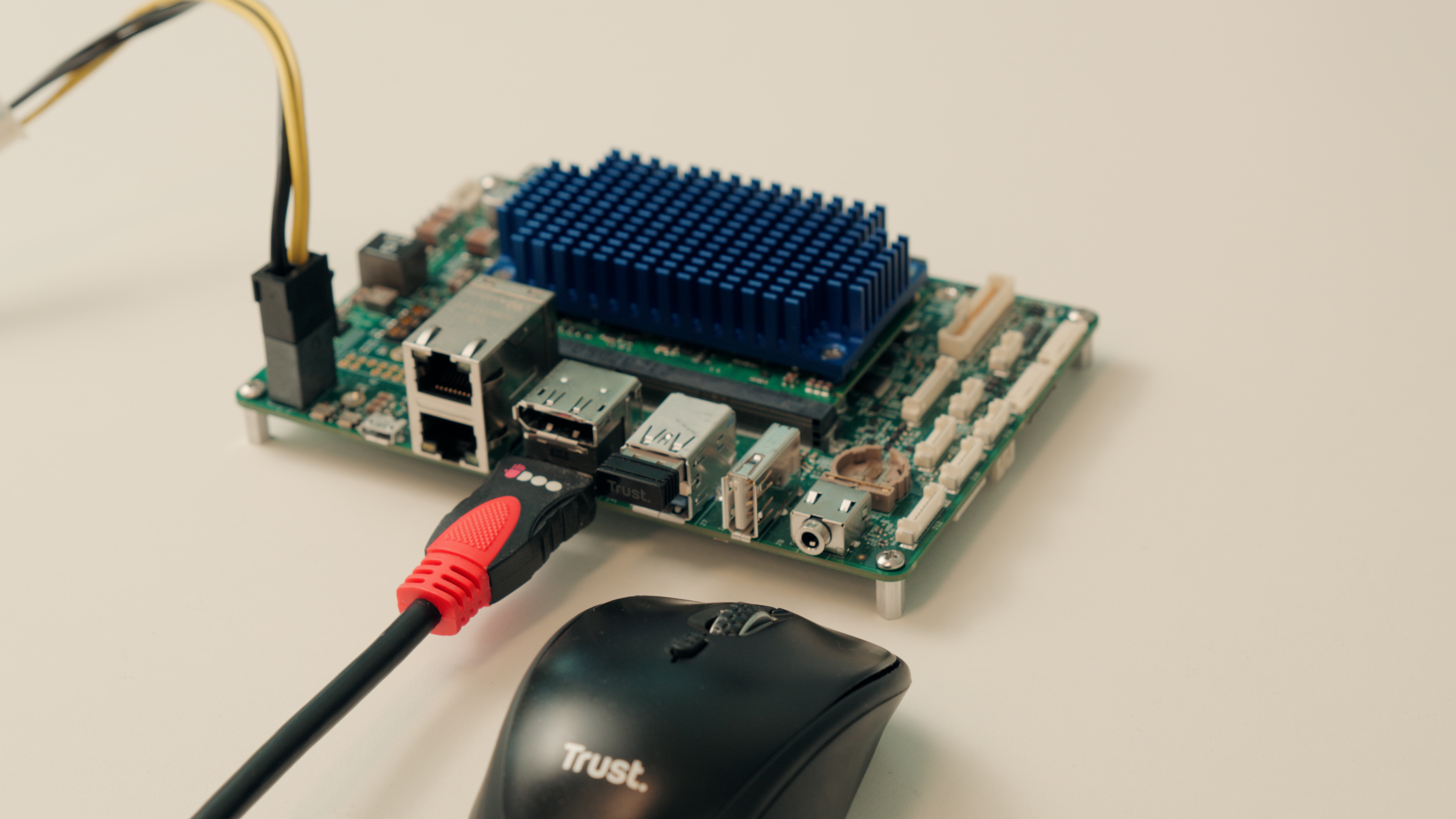
a. Attach the Evaluation Kit power supply. B. Connect your display according to the supported output (USB-C DP, LVDS, eDP). C. Connect USB keyboard and mouse. D. Connect Ethernet for network access. E. (Optional) Install Wi-Fi or BT modules based on your configuration.
-
Select Boot Source
Follow the Developer Center guidelines (coming soon) for preparing and flashing the desired OS image. Boot sources depend on E71 carrier configuration and storage type. -
First Power-On
Power on the system. The module will boot according to the selected OS and configuration. -
Operating System The recommended OS is Clea OS, a Yocto-based Linux distribution maintained by SECO and optimized for embedded and IoT applications. Clea OS provides: a. Secure and verified updates
b. Long-term support for industrial deployments
c. Cybersecurity compliance d. Full compatibility with the Clea framework for remote management and AI deployment
The SOM-SMARC-QCS5430 / QCS6490 supports multiple operating systems: • Linux (Yocto) • Android • Windows 11 IoT Enterprise
- Test and Evaluate
After the system boots, you can start evaluating the main interfaces exposed by the CARRIER-SMARC-E71 with the SOM-SMARC-QCS5430 / QCS6490.
Typical bring-up activities include:
- Ethernet, USB, PCIe, display outputs, audio and GPIO
- Camera inputs through MIPI-CSI for vision-oriented workloads
These allow you to validate edge use cases such as smart gateways, HMI applications, vision pipelines, and general embedded computing scenarios. If your application requires a ready-to-use HMI platform with integrated display, you can refer to the Modular Vision QCS6490 systems for a faster out-of-the-box experience.
- Recovery and Reflashing
The USB0 port is directly managed by the Qualcomm QCS5430 / QCS6490 USB Host Controller (core #1) and can be used for serial download operations when the FORCE_RECOV# signal is driven low.
This interface allows you to enter the recovery mode required to reflash the module.
Power and Thermal Considerations
- Operating voltage depends on the carrier board specification.
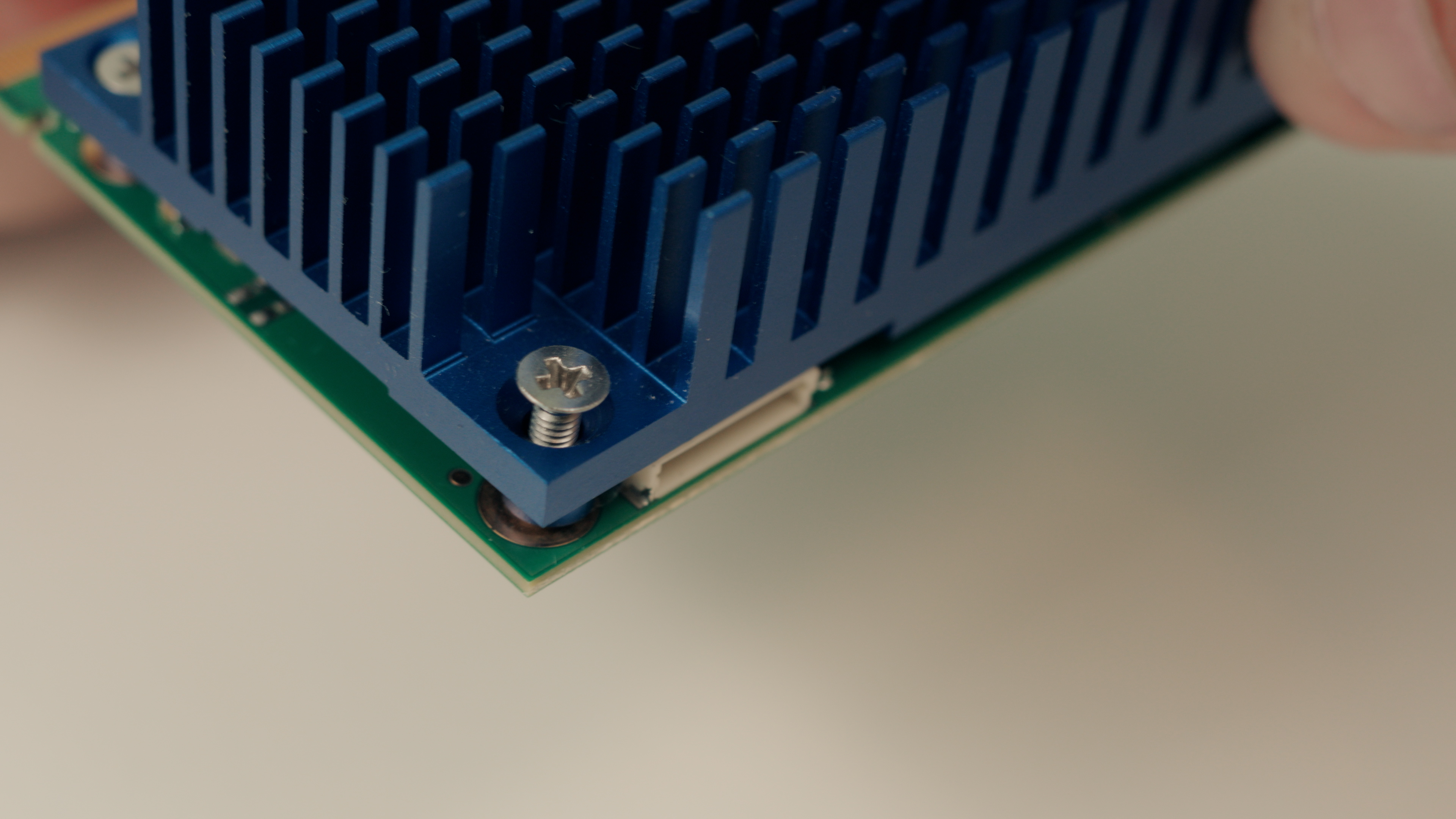
- Use the thermal solution provided or integrate a custom heatsink based on workload.
- Industrial-grade variants are designed for extended temperature environments.
Next Steps & Resources
- Full documentation and manuals are available on the Developer Center
- For software guides and Clea OS instructions, refer to the CleaOS documentation.
- For full guides on device management, refer to Clea Device Manager User Guide.
- For full documentation on how to connect a device to Clea, refer to Clea device connection guide.
- A QR code inside the kit (if purchased as DEV-KIT-SMARC) links to additional resources and quick start videos.
Support
Need help? Visit www.seco.com or contact SECO Technical Support for drivers, software tools, and integration support.